Sketch redraws the scene as a pencil drawing on textured paper. The effect traces contours into crisp pencil lines, fills darker regions with fine graphite shading, and blends the drawing over authentic paper grain.
Whether using 3D models or Live2D avatars, Sketch traces clean pencil strokes along color transitions and silhouettes. Paper fibers and graphite shading are generated procedurally without requiring external texture files, maintaining consistent stroke thickness across different screen resolutions.
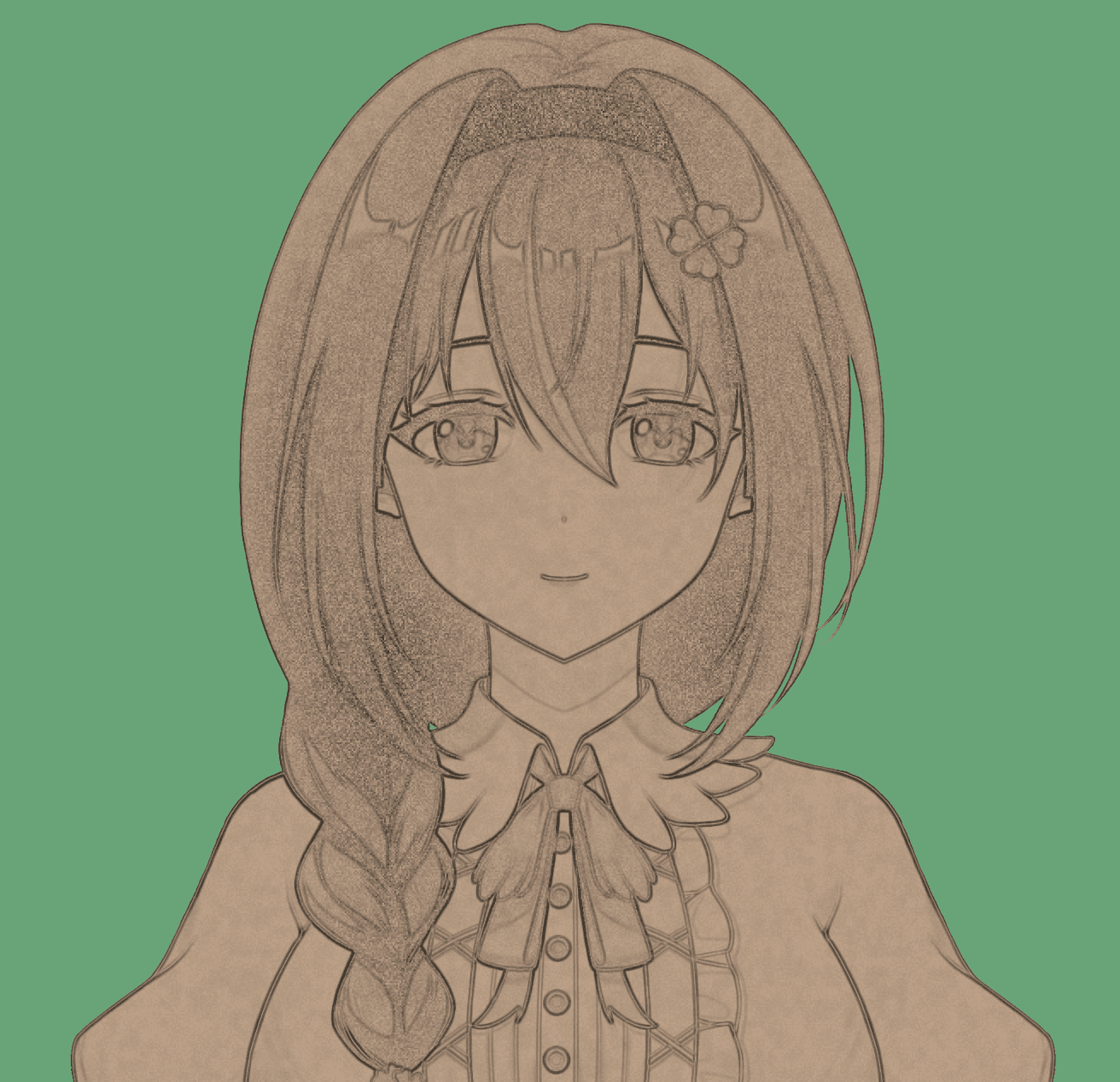
 OriginalEffect
Controls
| Control | Range | Default | Description |
|---|---|---|---|
| Paper Color | Hex Color | #b69b83 | Background paper tint, defaulting to kraft paper |
| Paper Background | Toggle | Off | Scene only: fills transparent canvas areas with paper texture; layers always preserve alpha |
| Lines | 0 – 2 | 1 | Darkness and prominence of pencil edge contours |
| Line Width | 0.5 – 4 px | 1 px | Thickness of pencil strokes in pixels |
| Shading | 0 – 2 | 1 | Density of graphite shading in darker areas; 0 leaves outlines only |
| Softness | 0 – 1 | 1 | Softness of the transition between light and shadow |
| Saturation | 0 – 1 | 0 | 0 draws in monochrome graphite; higher values retain source colors as colored pencils |
| Opacity | 0 – 1 | 1 | Blending intensity between the sketch and original graphics |
Scene Effects and Layer Effects
Sketch functions across both scene effect and layer effect scopes:
- Scene Effect: Applies globally across the composited stage. Enabling Paper Background replaces transparent background pixels with textured paper.
- Layer Effect: Attaches directly to individual avatar or object layers. Layer effects always preserve source alpha transparency regardless of the Paper Background setting, cleanly blending sketched characters over unaffected backgrounds.
Pipeline Order and Grading Interaction
In the post-processing pipeline, Sketch executes immediately after Diffusion and before LUT and Color Grading.
Because downstream color operations process the final sketch pass, subsequent tools like Levels, Color Wheels, and LUTs tint both the pencil strokes and the paper background. This makes it straightforward to achieve sepia tones, cyanotype prints, or stylized color washes.
Last updated on October 21, 2026