
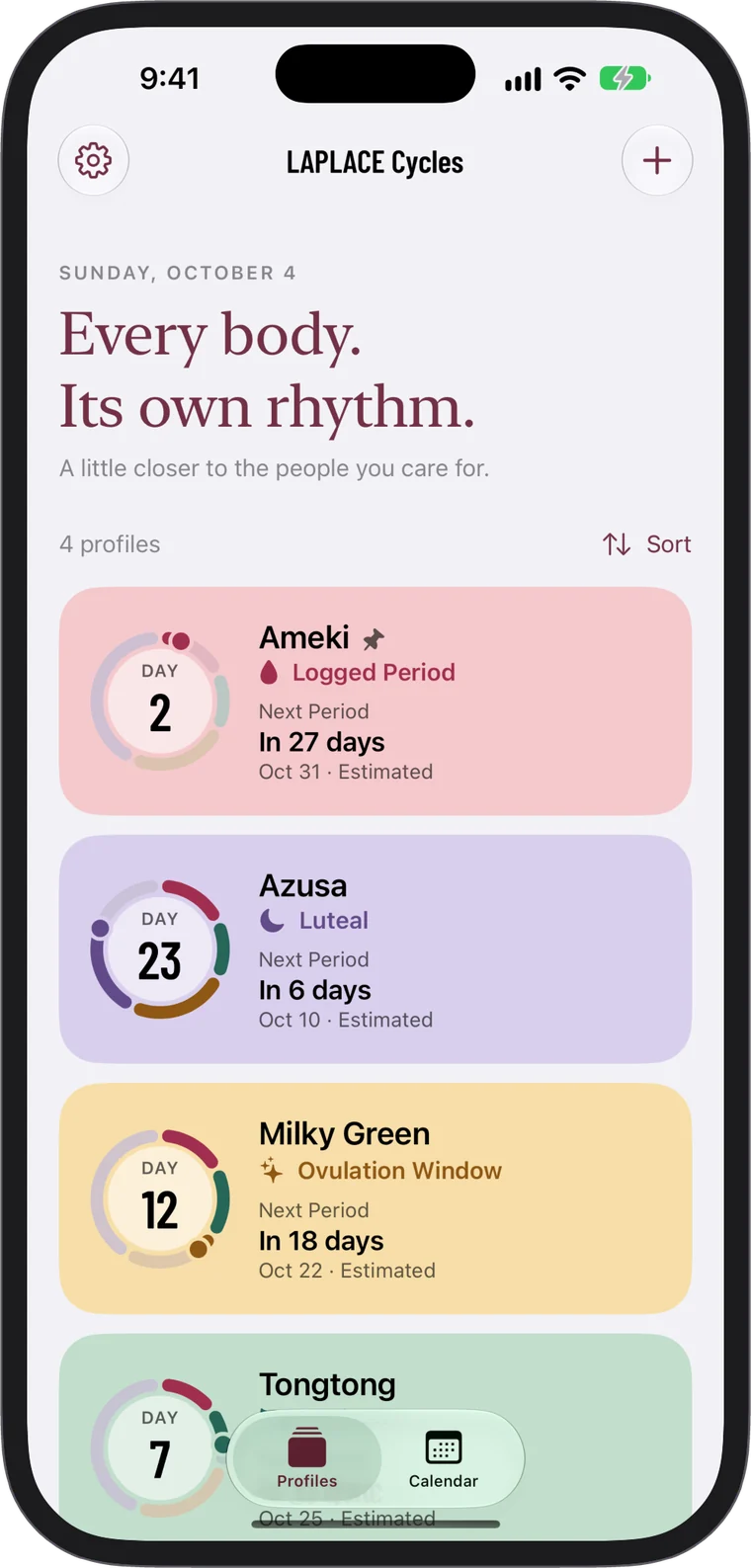
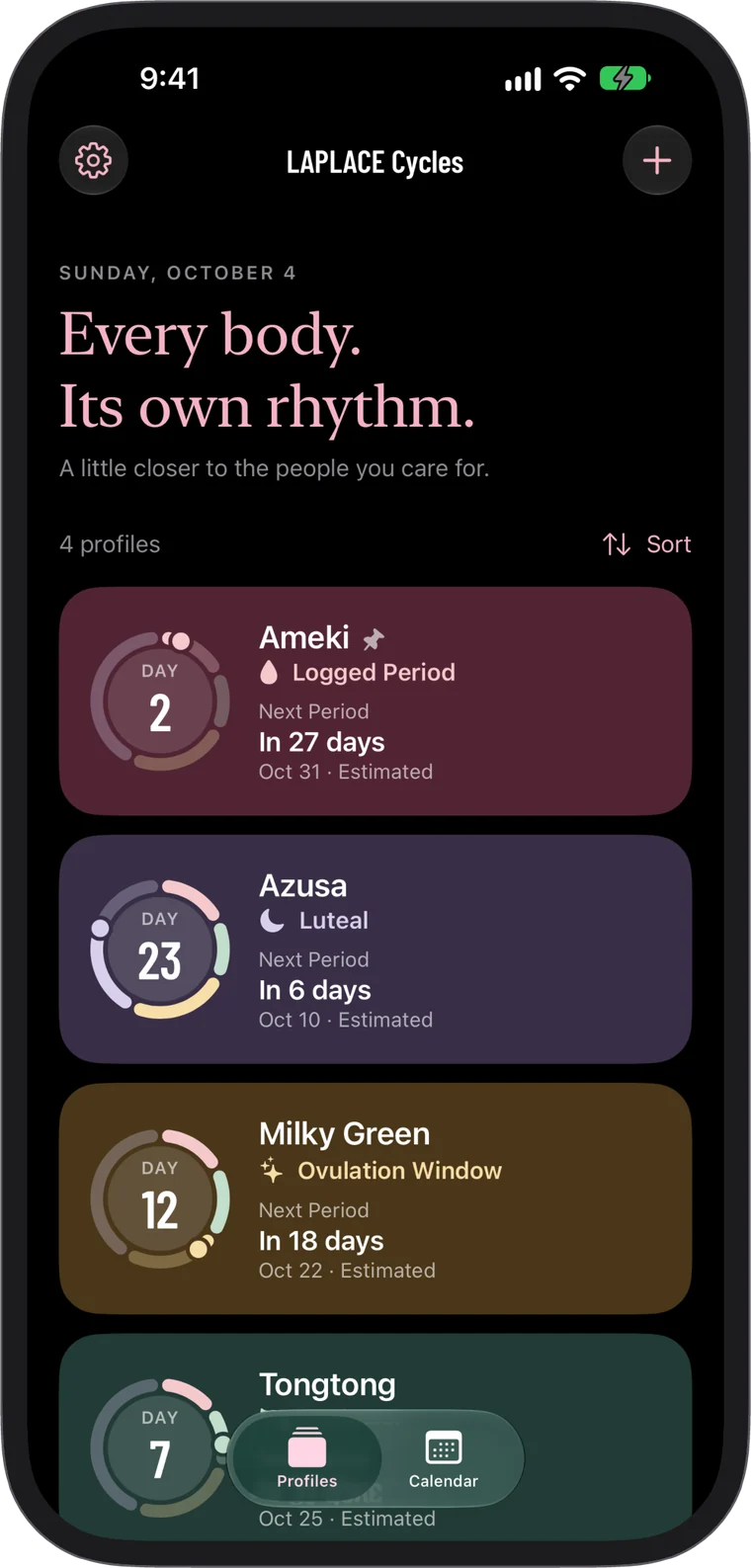
Everyone you care for, in one place
Each person’s cycle day and phase at a glance. Create a profile for a partner, a family member, or yourself.
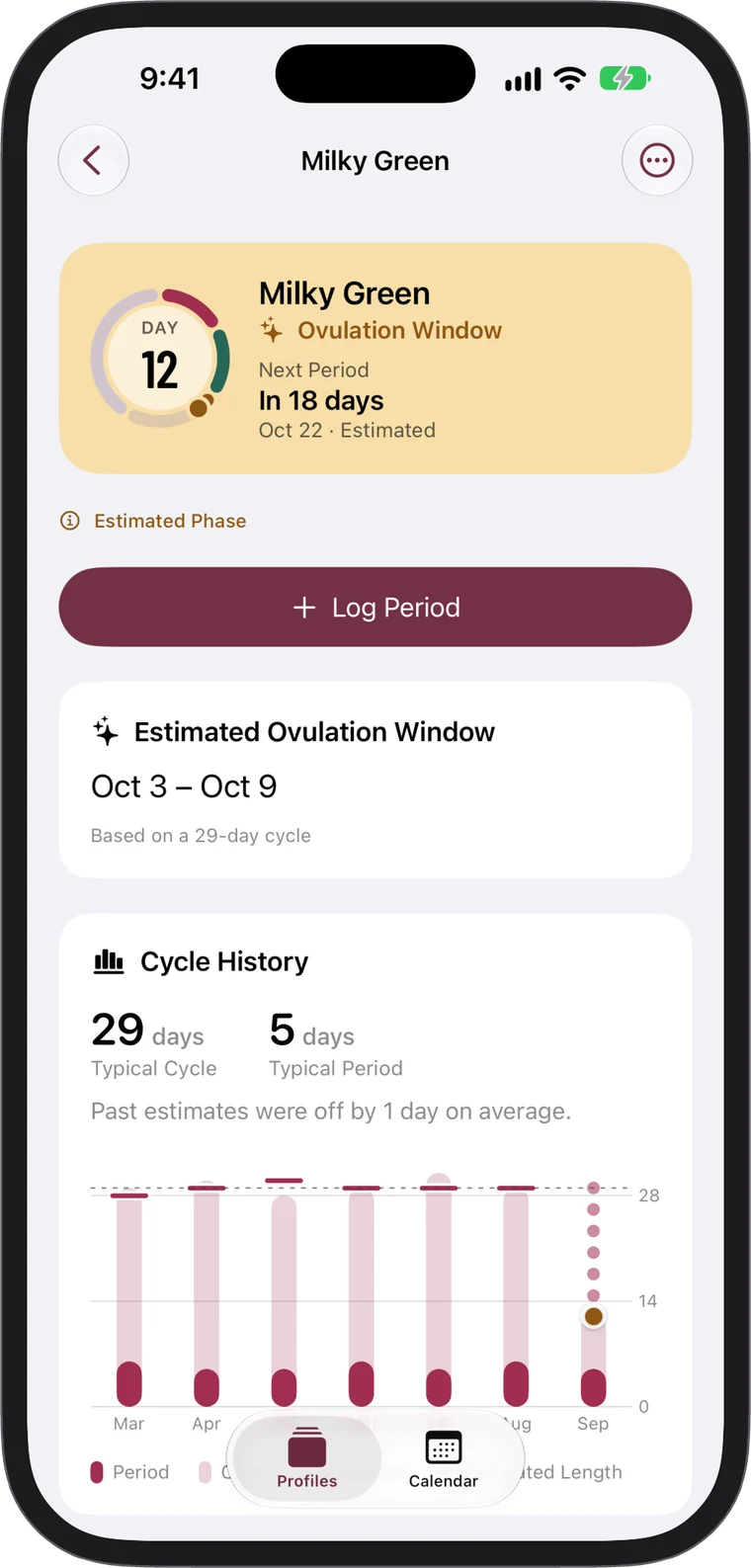
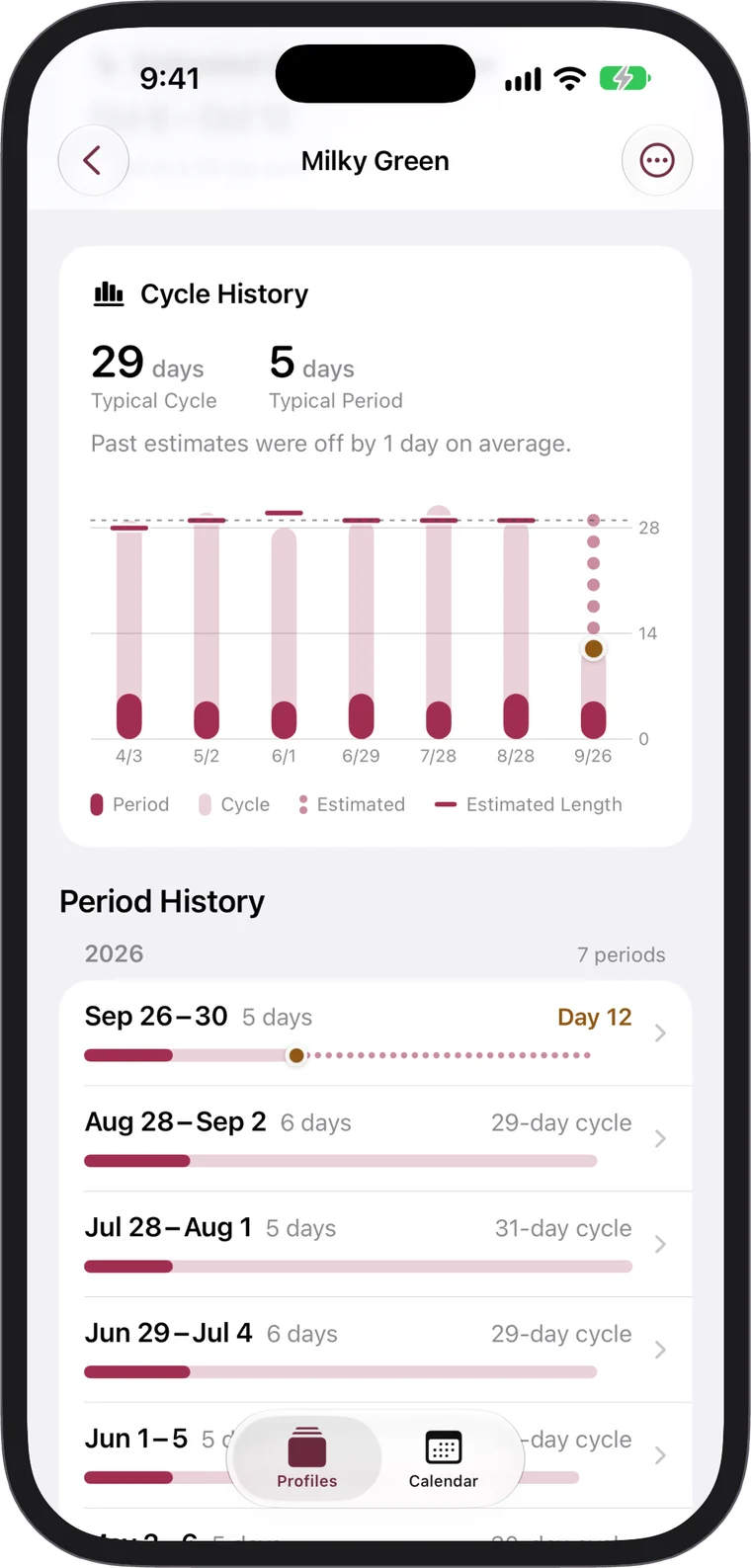
See when the next period is likely
Estimates from recent cycles, with an approximate ovulation window. When there’s little history or cycles vary, estimates fade and explain why.
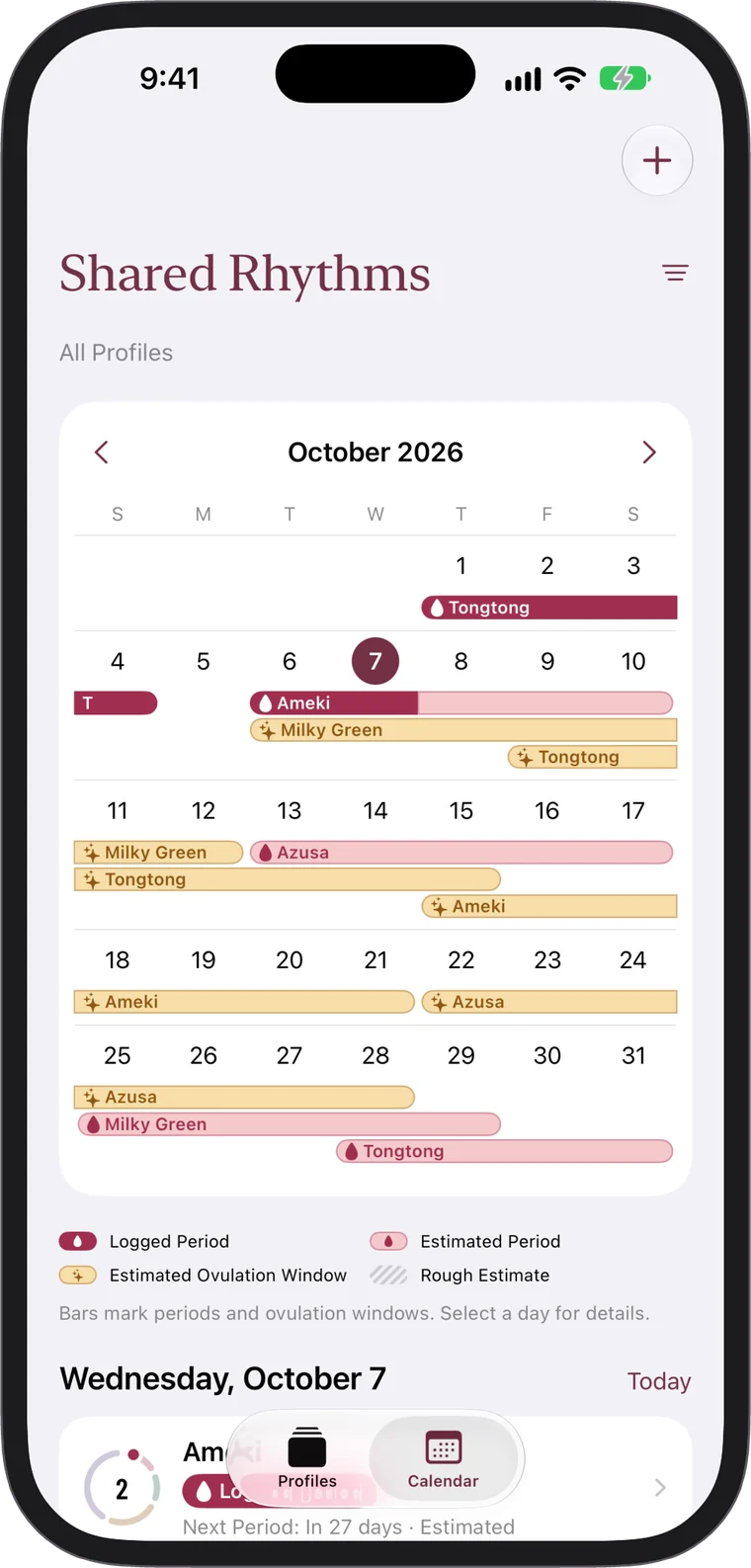
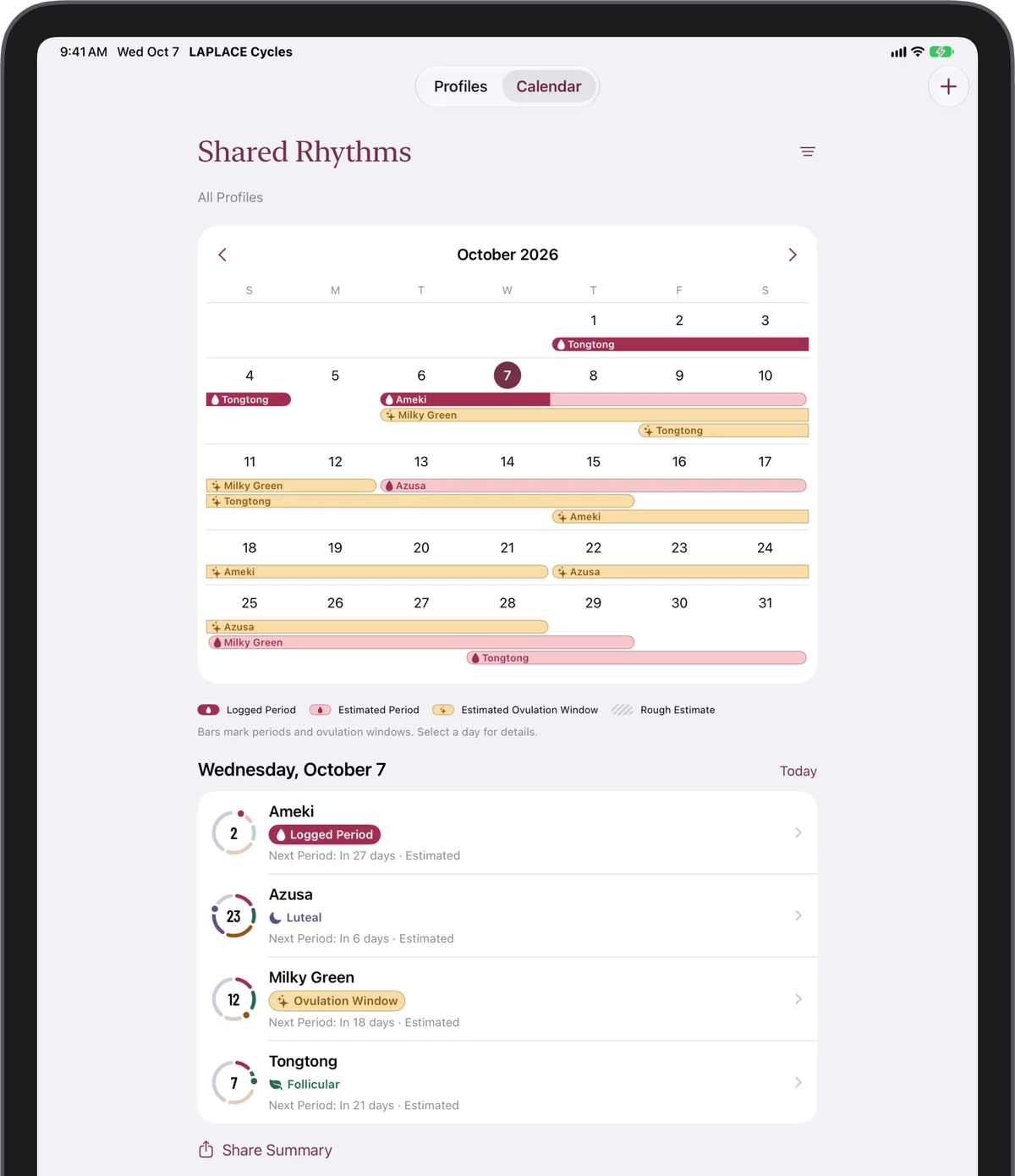
Everyone’s rhythm on one calendar
Bars show each profile’s periods and estimated ovulation windows.
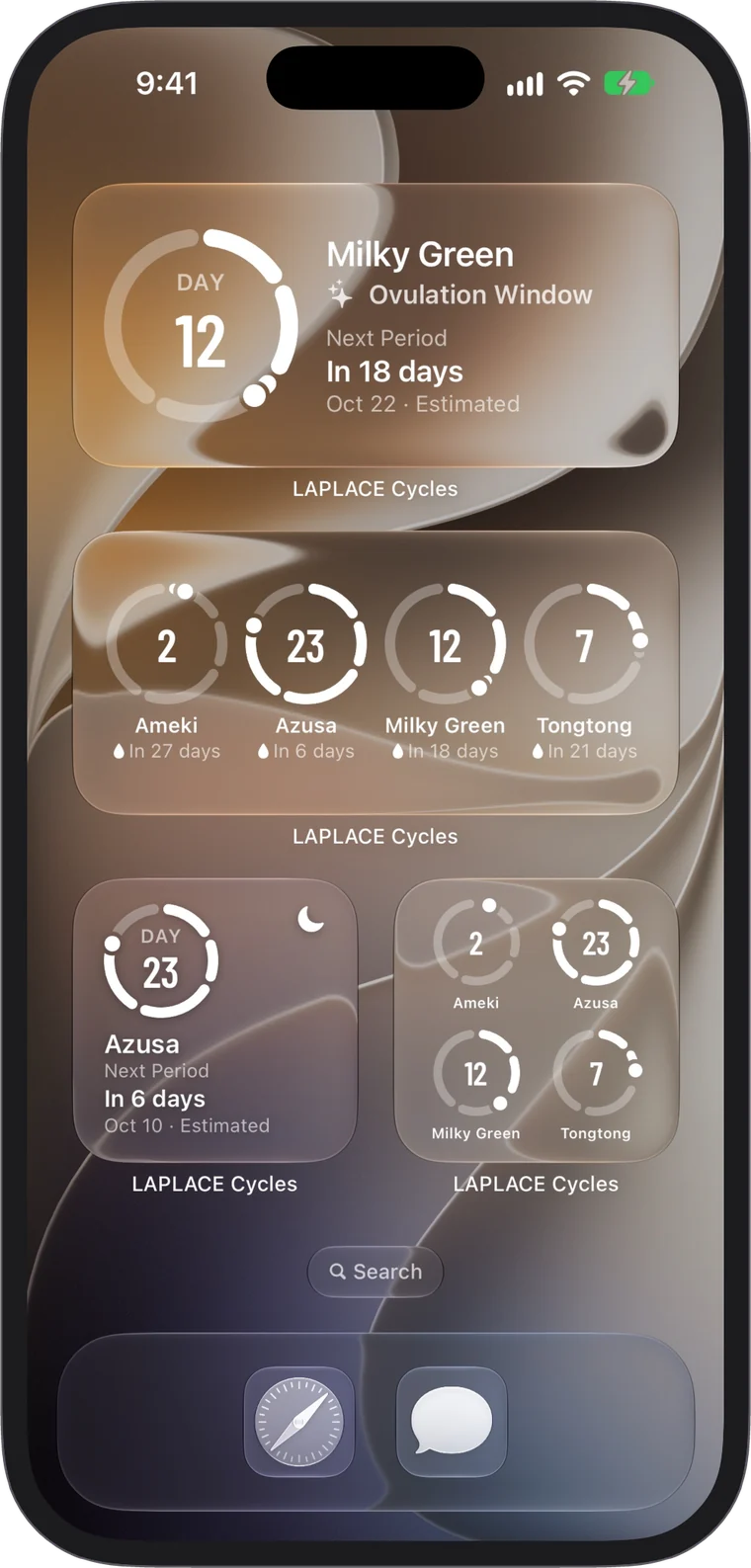
Right on your Home Screen
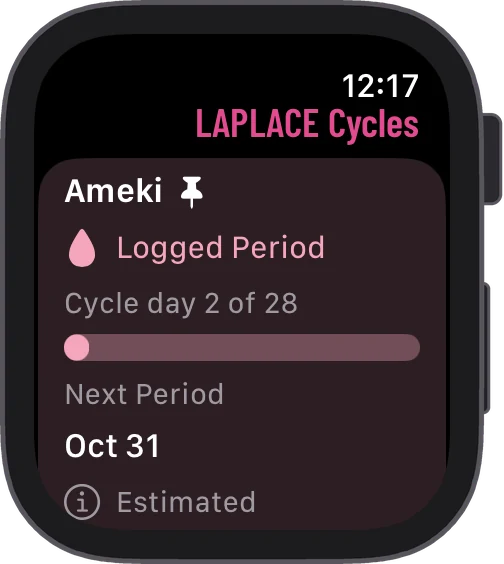
Widgets show each profile’s cycle day and when the next period is expected.
Private by design
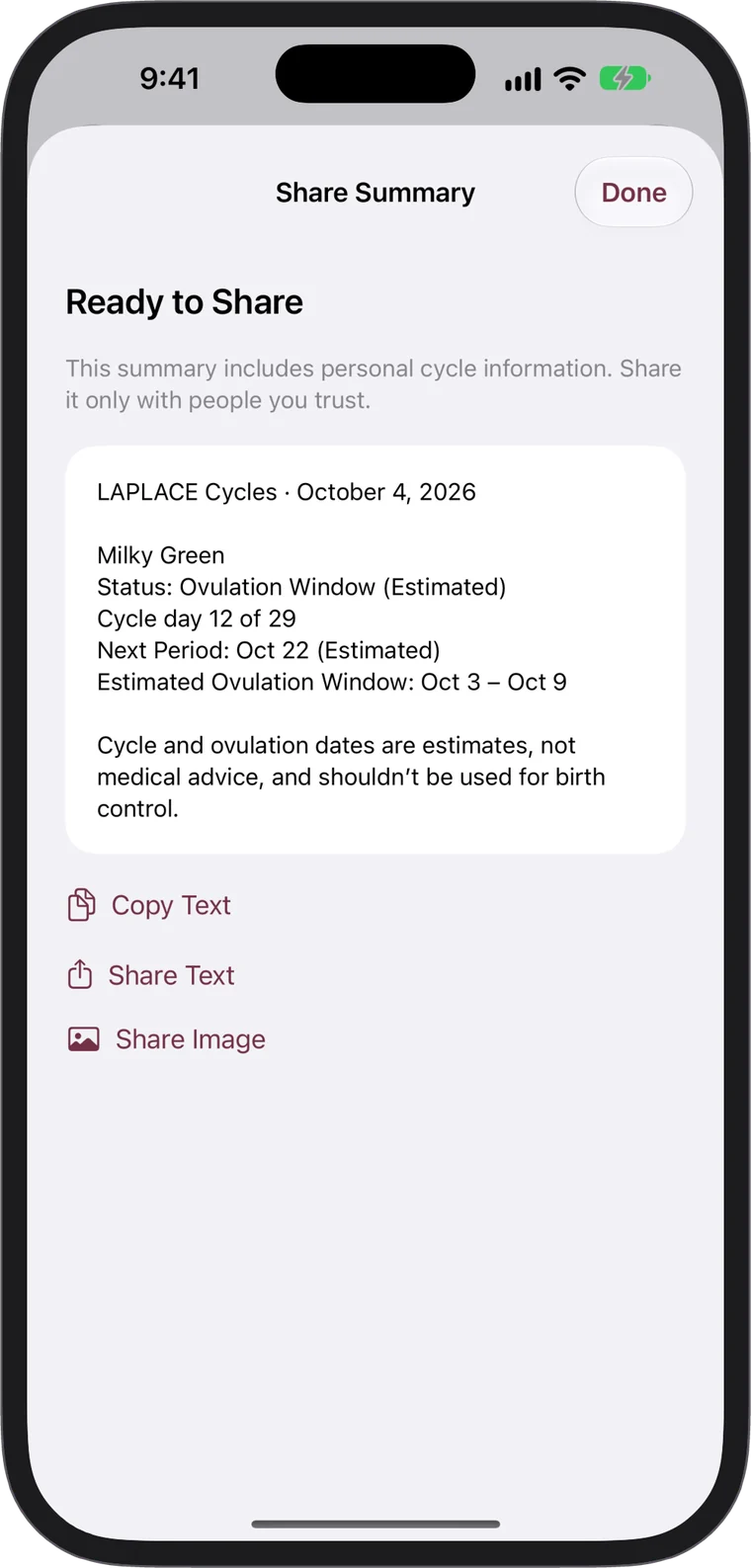
No ads, no analytics, no account to create. Syncs only through your own iCloud, and LAPLACE never has access to your data.
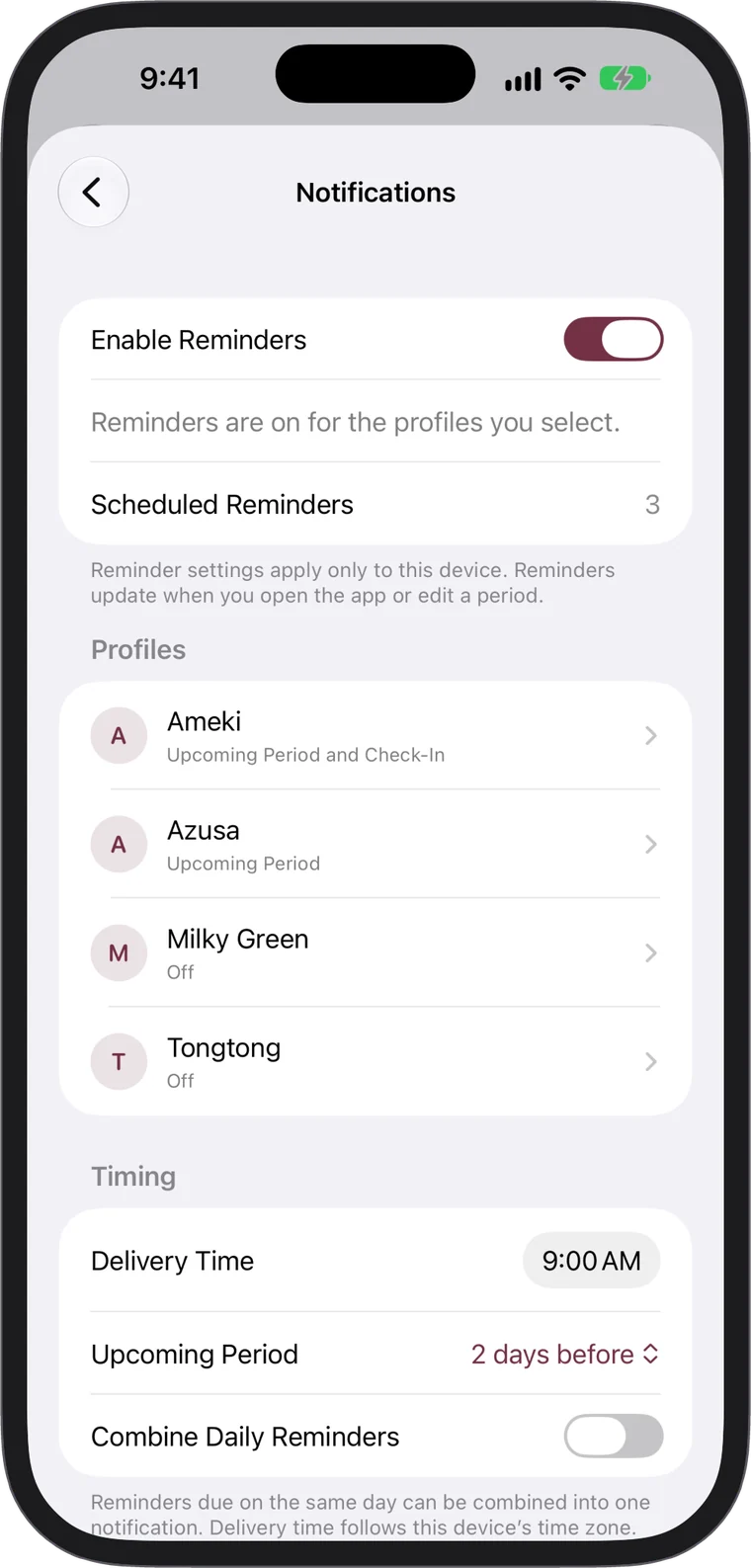
Reminders, only if you want them
A heads-up 1 to 3 days before an estimated period. On the Lock Screen, names, photos and cycle details stay hidden by default.
Made for everyone
LAPLACE Cycles speaks English, Simplified Chinese and Traditional Chinese, with a language setting of its own. It supports Dynamic Type, Dark Mode, VoiceOver, Voice Control, Increase Contrast, Reduce Motion and Differentiate Without Color.
Free to start
Track up to five profiles for free. To manage more, unlock Unlimited Profiles with a single one-time purchase, with no subscription.


Requirements
Syncing across devices requires iCloud enabled with the same Apple Account.
Getting Started
- On the Profiles tab, tap + in the top-right corner, enter a name, optionally choose a background photo, and tap Save.
- Open the newly created profile, tap Log Period, select the First Day and duration, then tap Save.
- The profile card will immediately display a cycle dial with the current cycle phase, day of the cycle, and next predicted period. Once two or more periods are recorded, predictions automatically adapt to real-world cycle lengths.
Features
Last updated on October 11, 2026