
Read chat, thank gifts, one screen is enough
Danmaku, Super Chats, and gifts each get a column, with your live stats along the top. Double-click an event to mark it read; all data stays locally in your browser and never passes through a third party.
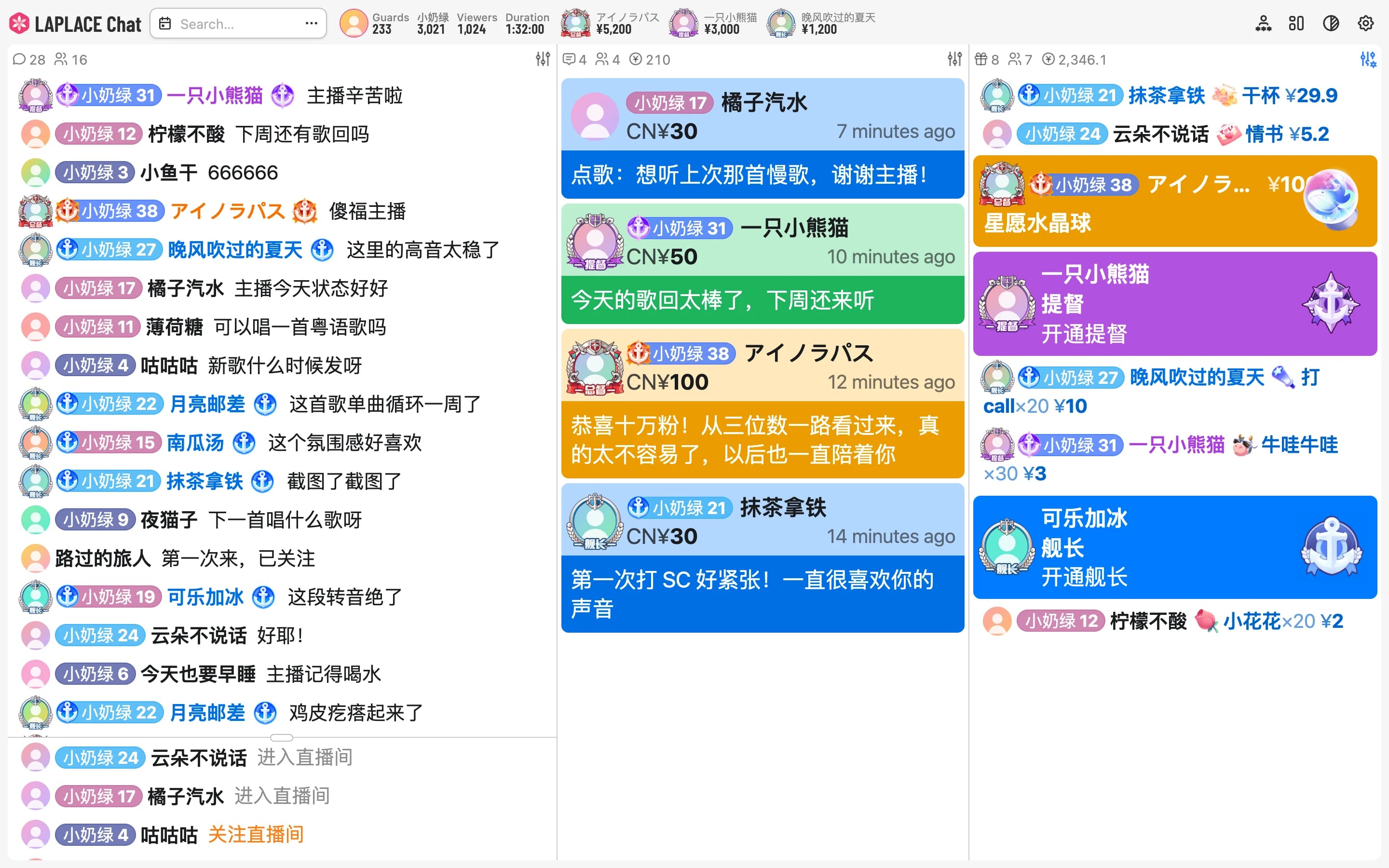
One link puts it straight on stream
Add a browser source in OBS and paste the link; your whole configuration lives in it. The overlay can also follow your OBS scenes, switching to dark mode or another style automatically.
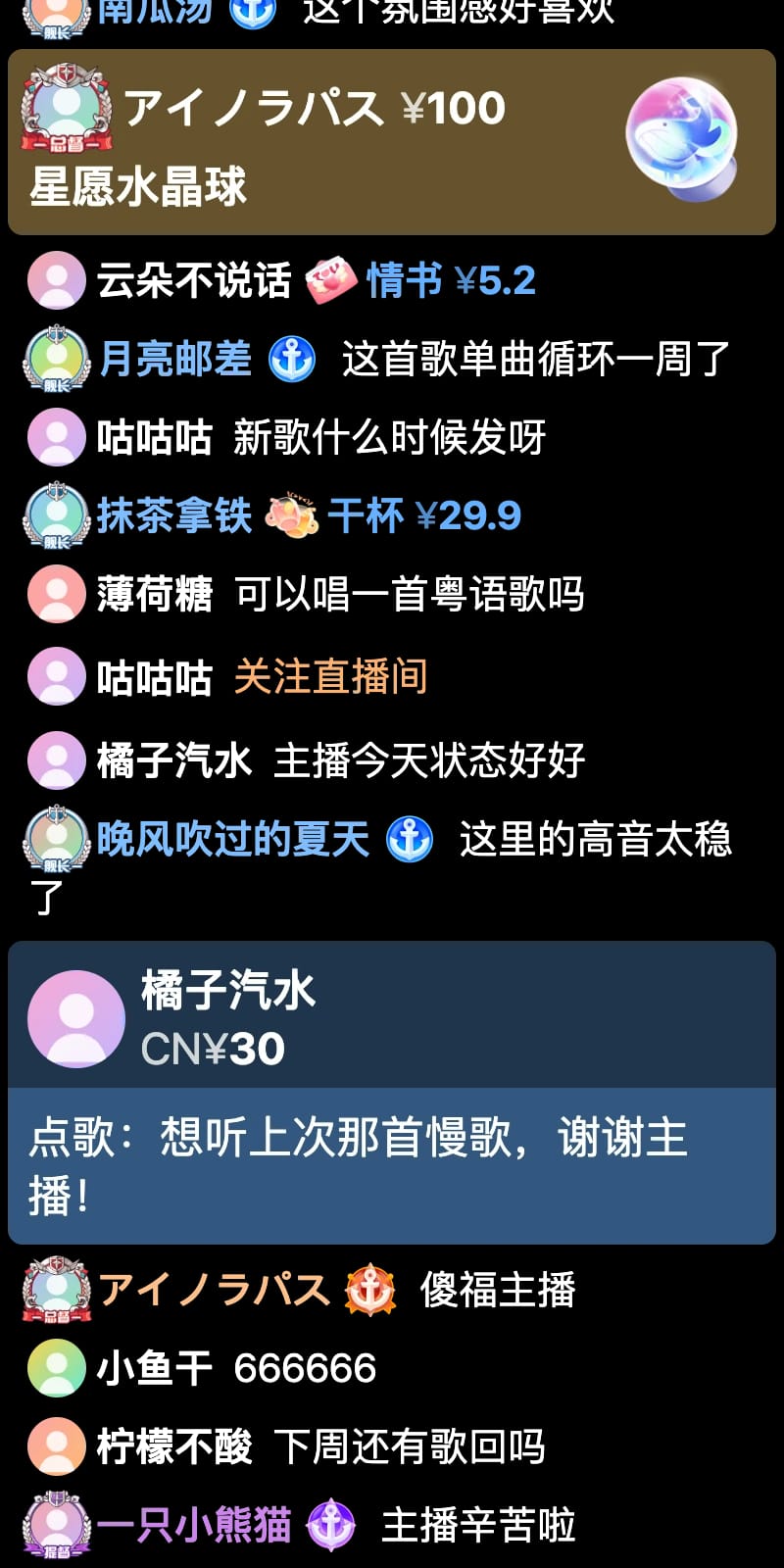
Endless spam, handled in stride
Card mode merges duplicate and similar danmaku into one card. Cards stay in place, and whichever card your pointer rests on won’t be automatically overwritten.
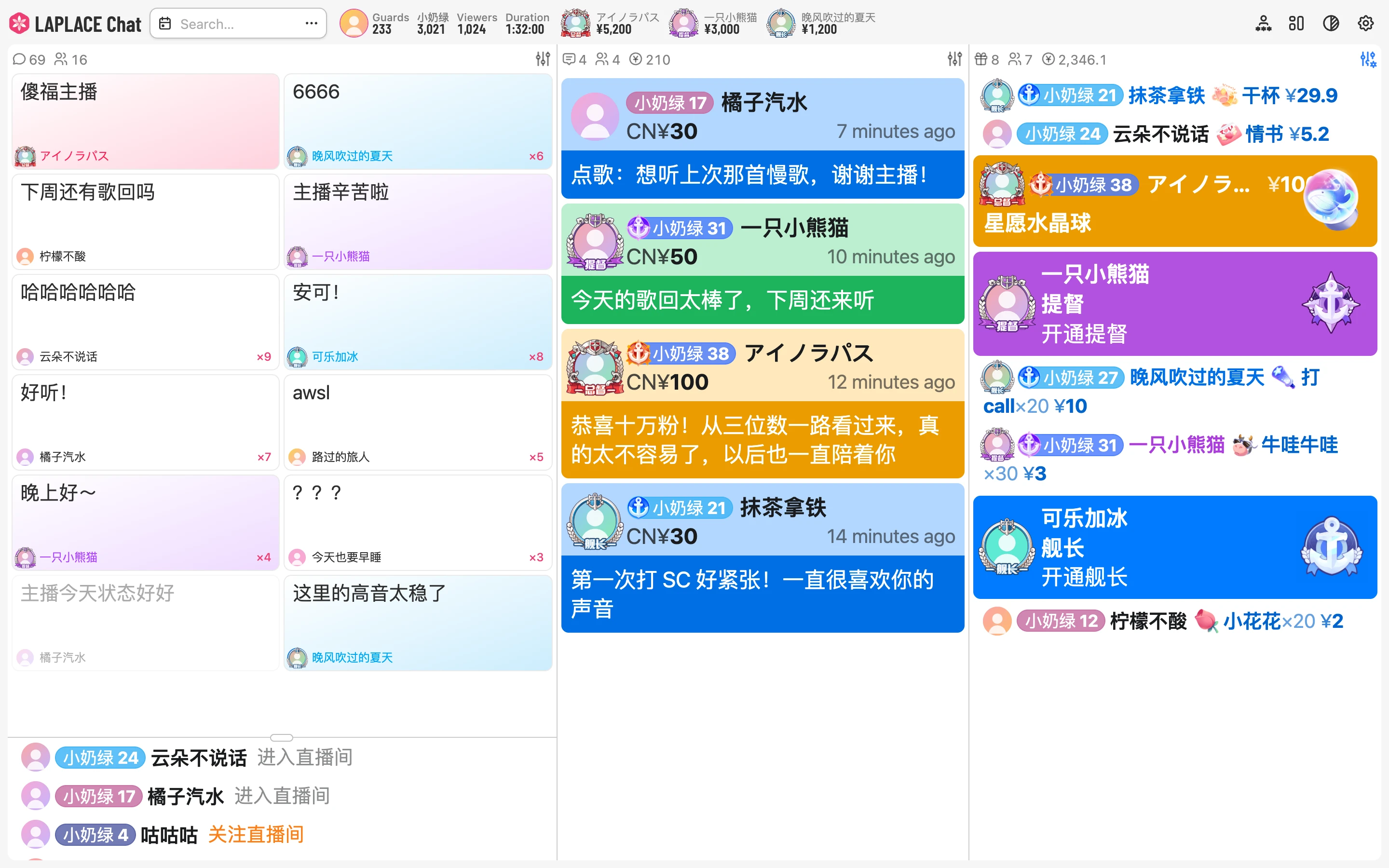
Who is this viewer, again?
Click a username to see their danmaku, Super Chats, and gifts across your rooms, plus what they’ve spent in total, past usernames, and fan medals.
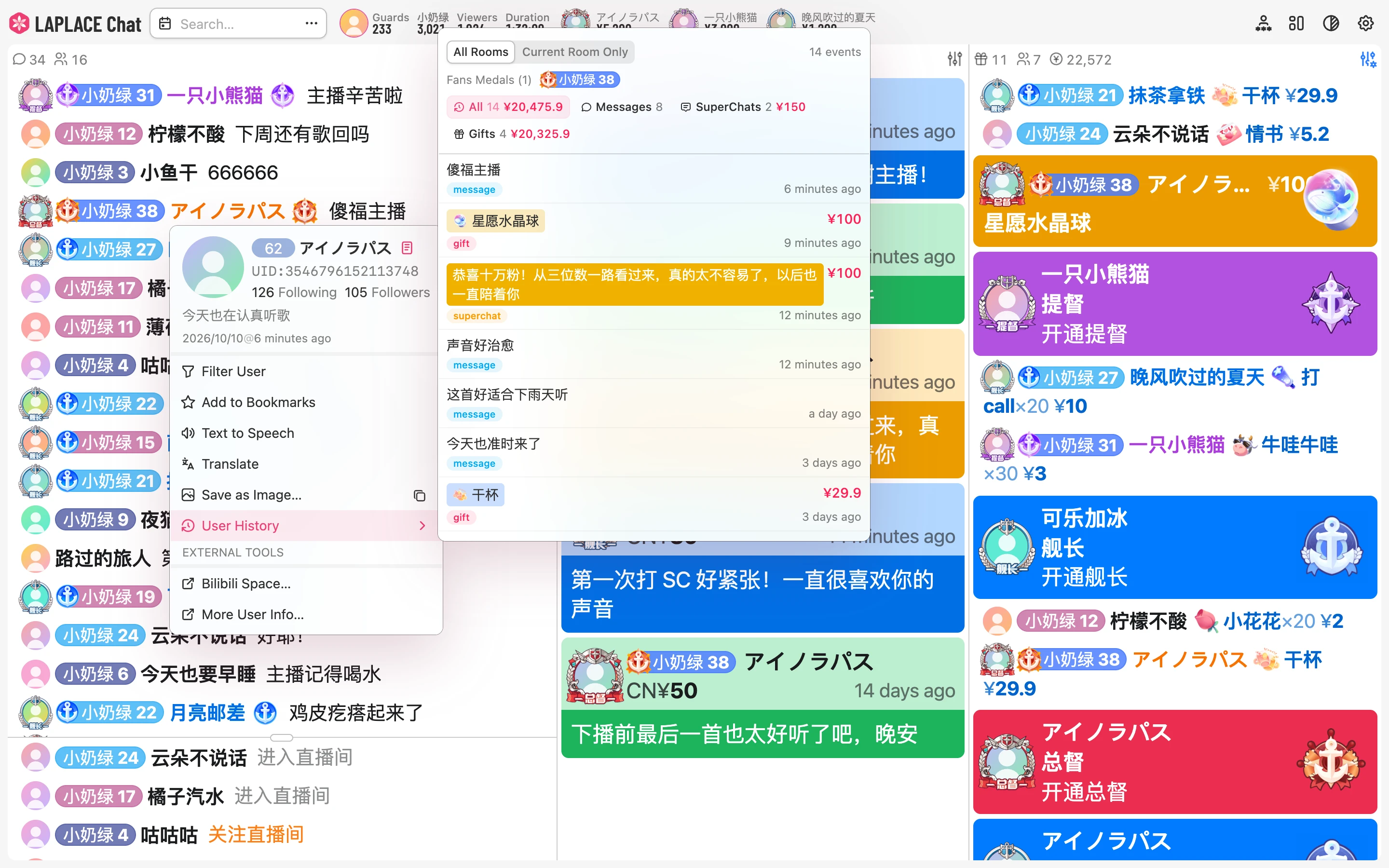
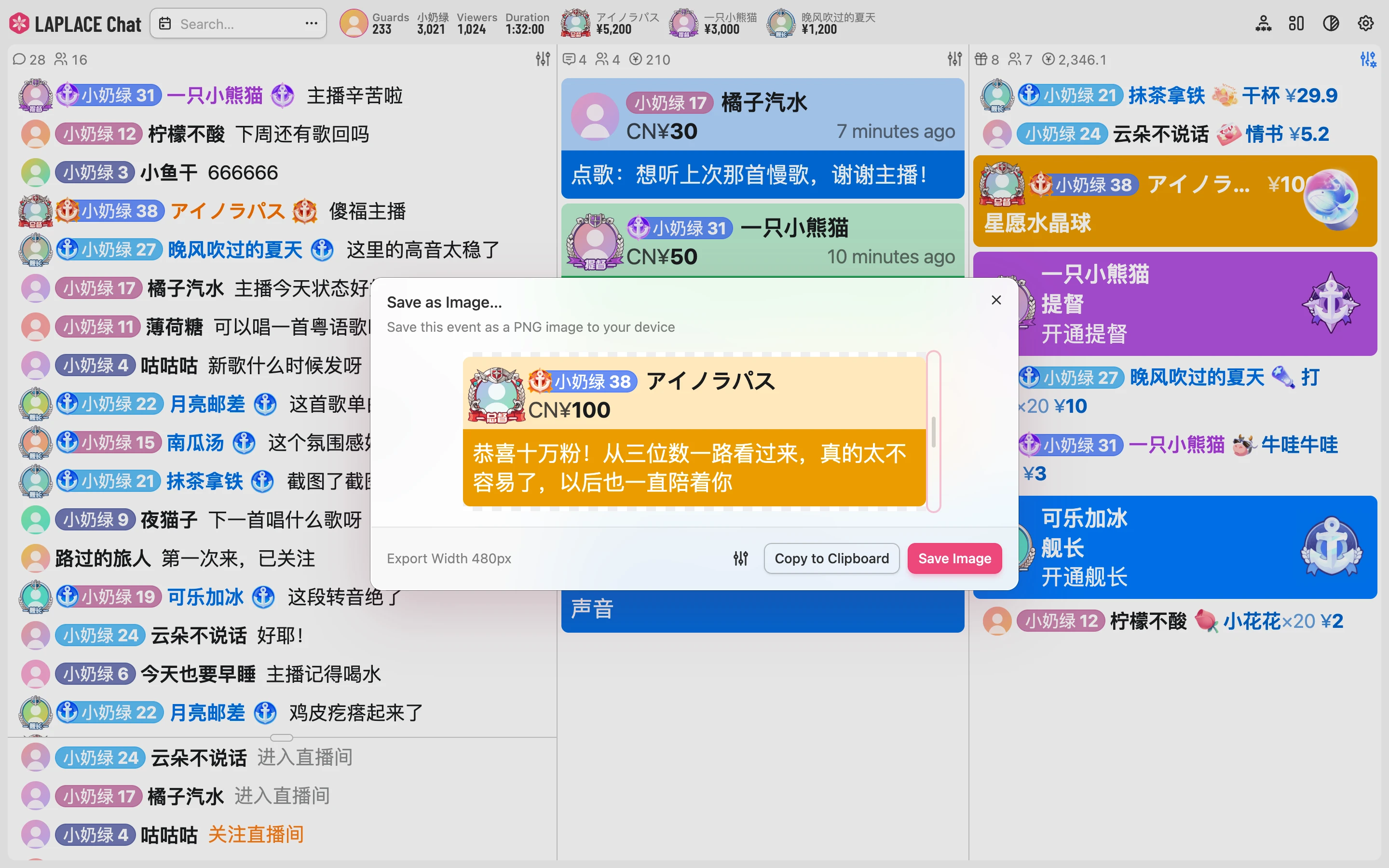
Keep the moments worth keeping
Export any event as a high-resolution PNG image, or copy it straight to the clipboard. Blur usernames and avatars to share it publicly with ease.
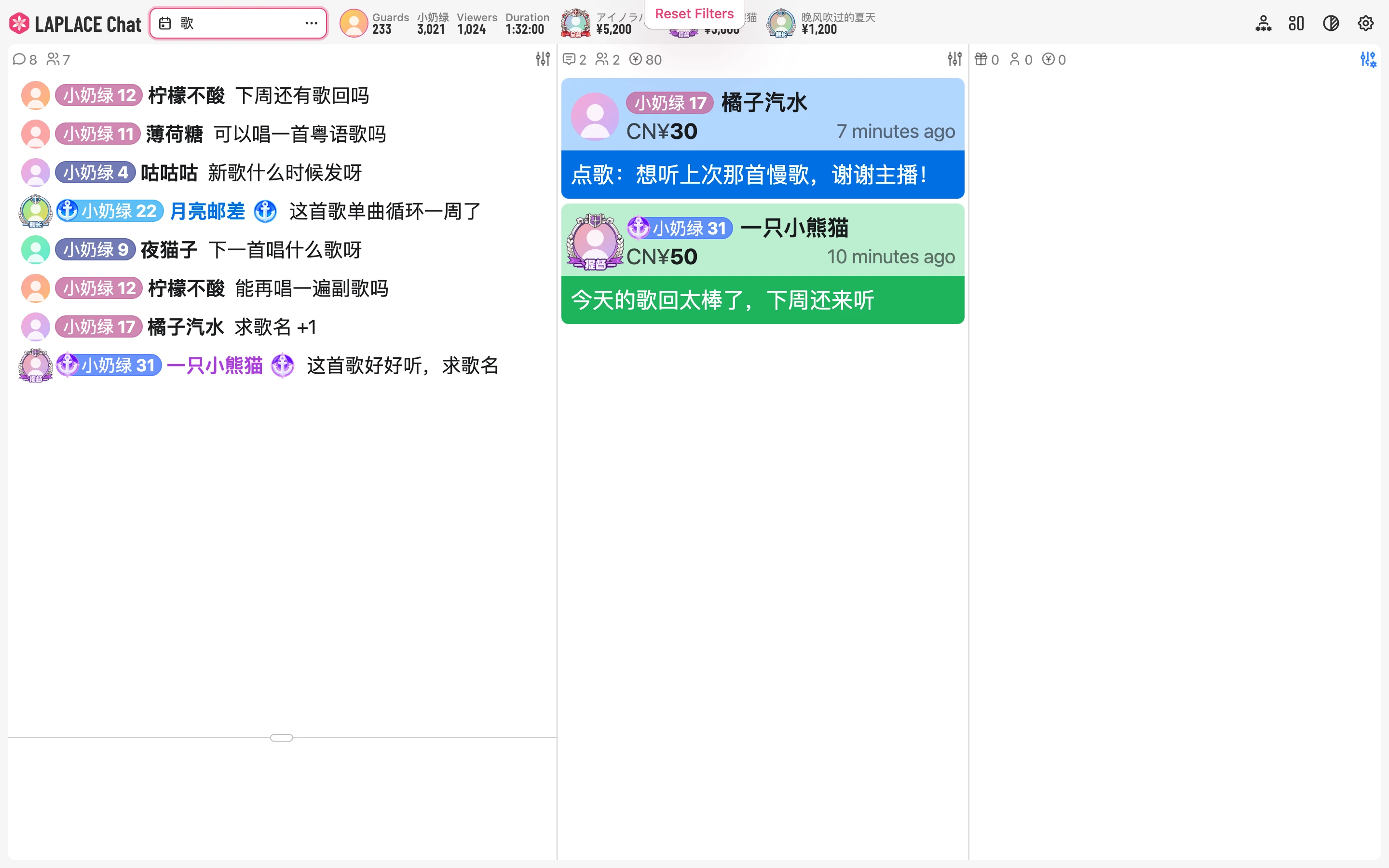
Filter events, GitHub style
Combine conditions on type, user, spending amount, or fan medal, with minus-sign exclusions built in. Add a date range, and the exact event you need turns up fast.
Chat, read aloud
Danmaku are read aloud automatically, with gifts and Super Chats first. Connect the widest range of TTS providers, or bring your own API.
Any language, translated live
A large language model translates danmaku and Super Chats into your language in real time, typos, puns, and internet memes included.
Works with OBS and Persona
Switch OBS scenes and manage your stream, or change models and trigger expressions in Persona and VTS, all from the dashboard.
Free, right in your browser
LAPLACE Chat is free, with nothing to download and no account to create, and it’s always up to date. Your settings stay locally in your browser, with no telemetry or third-party analytics.
Open LAPLACE Chat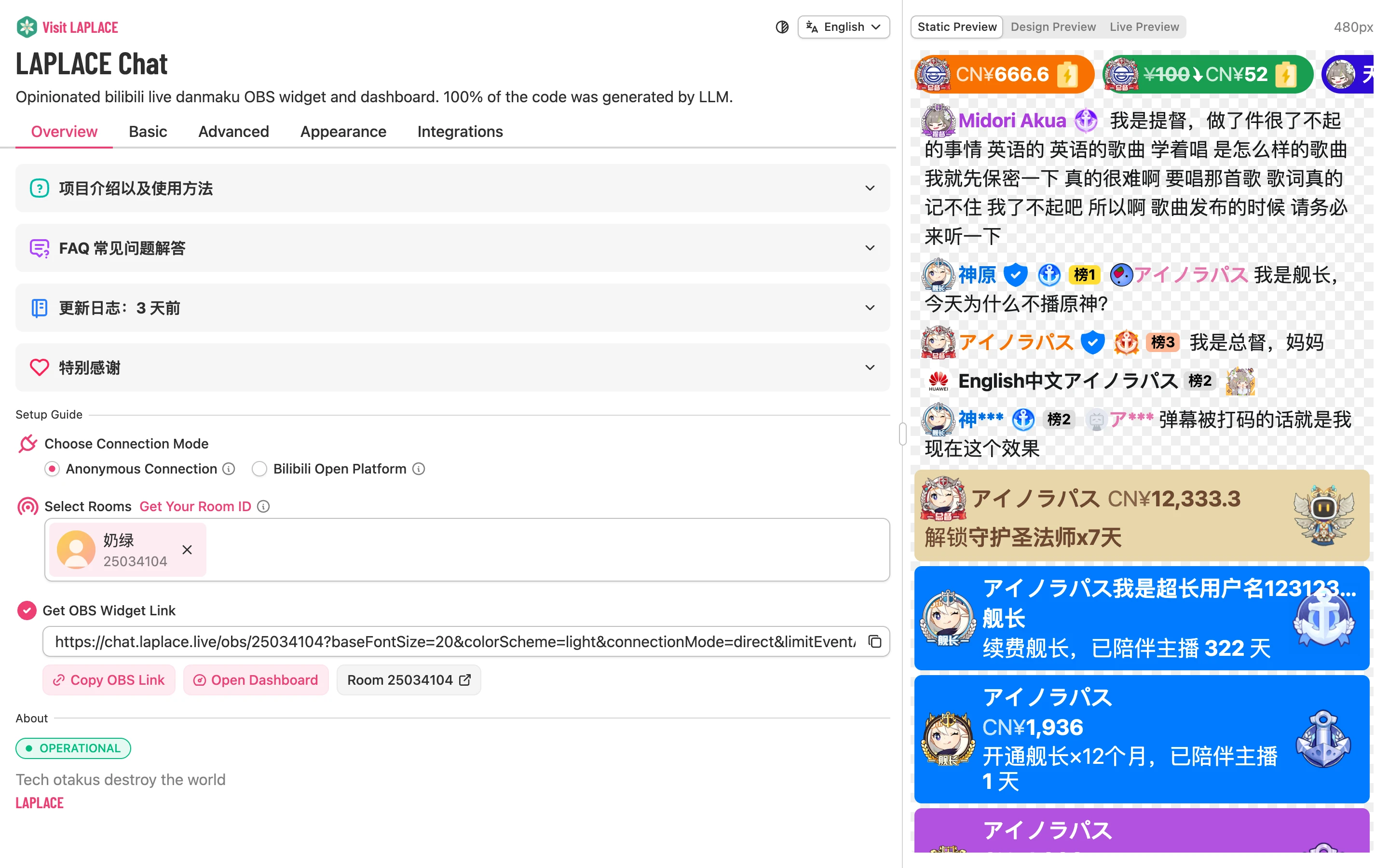
Requirements
- Dashboard
- Chrome, Edge, or another Chromium-based browser (version 108 or later recommended); Firefox isn’t recommended
- OBS Overlay
- A browser source in OBS Studio, or any streaming software that supports web sources, such as bilibili 直播姬
The dashboard receives events over a live connection, so keep the browser from suspending its tab. See Using It as a Dashboard.
Features
Resources
Disclaimer
LAPLACE Chat makes no uptime guarantee and accepts no liability for streaming losses caused directly or indirectly by maintenance, outages, or similar issues. For an important stream, always have a backup plan ready.
Last updated on November 11, 2026