
Reply to your DMs gracefully, on the desktop
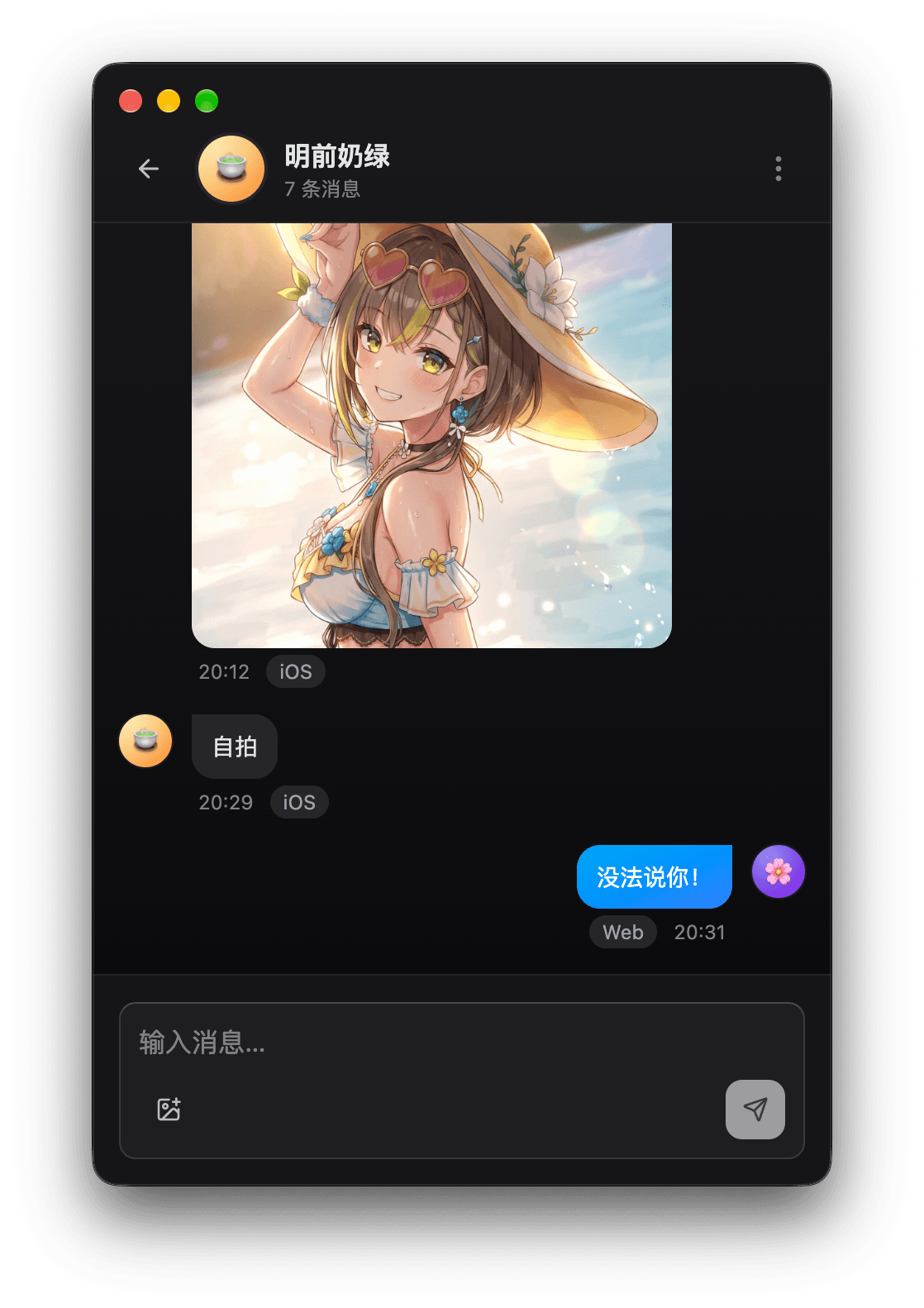
DMs and fan group chats share one window. Send text, images, and emotes, or copy and paste a screenshot straight in.
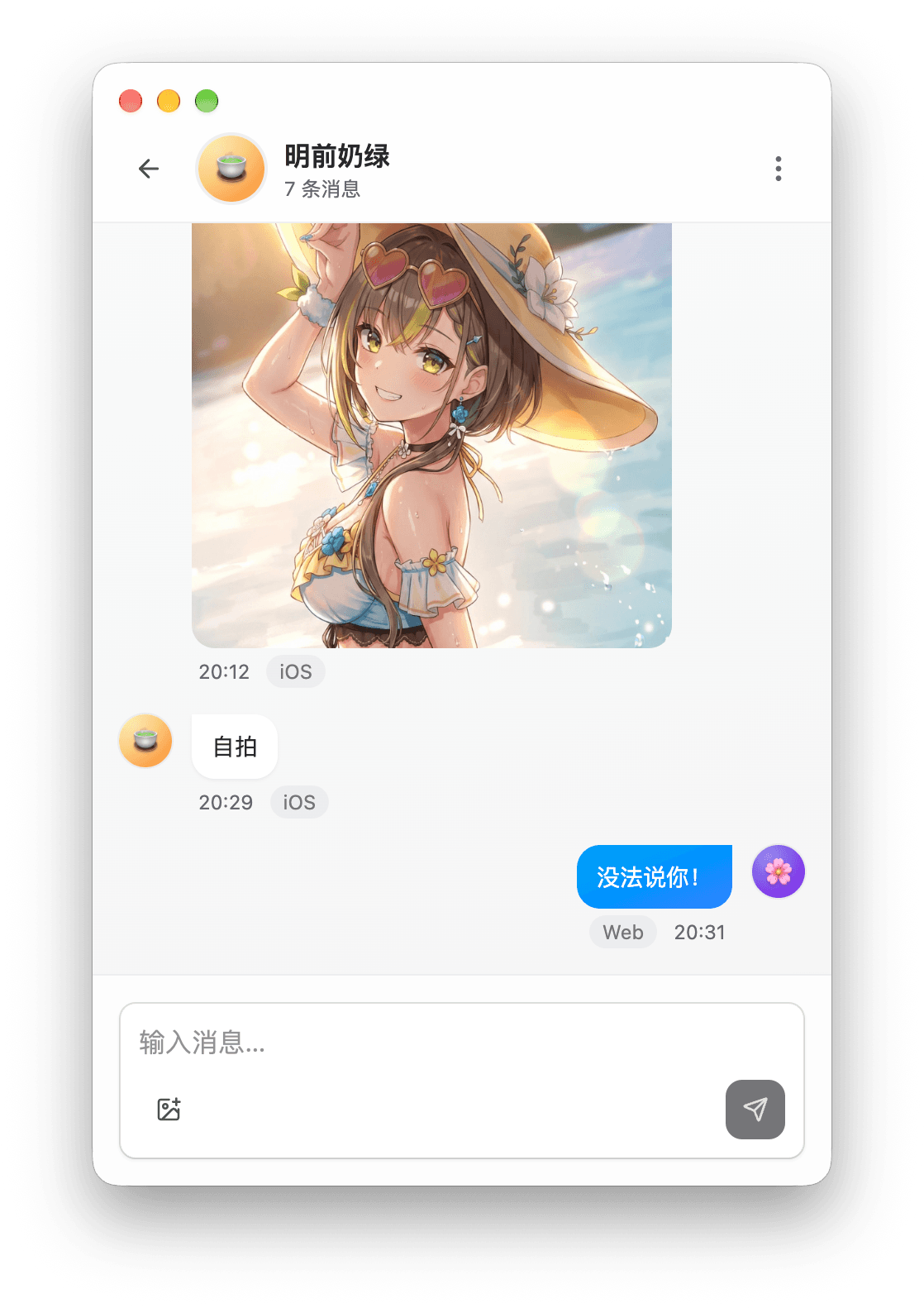
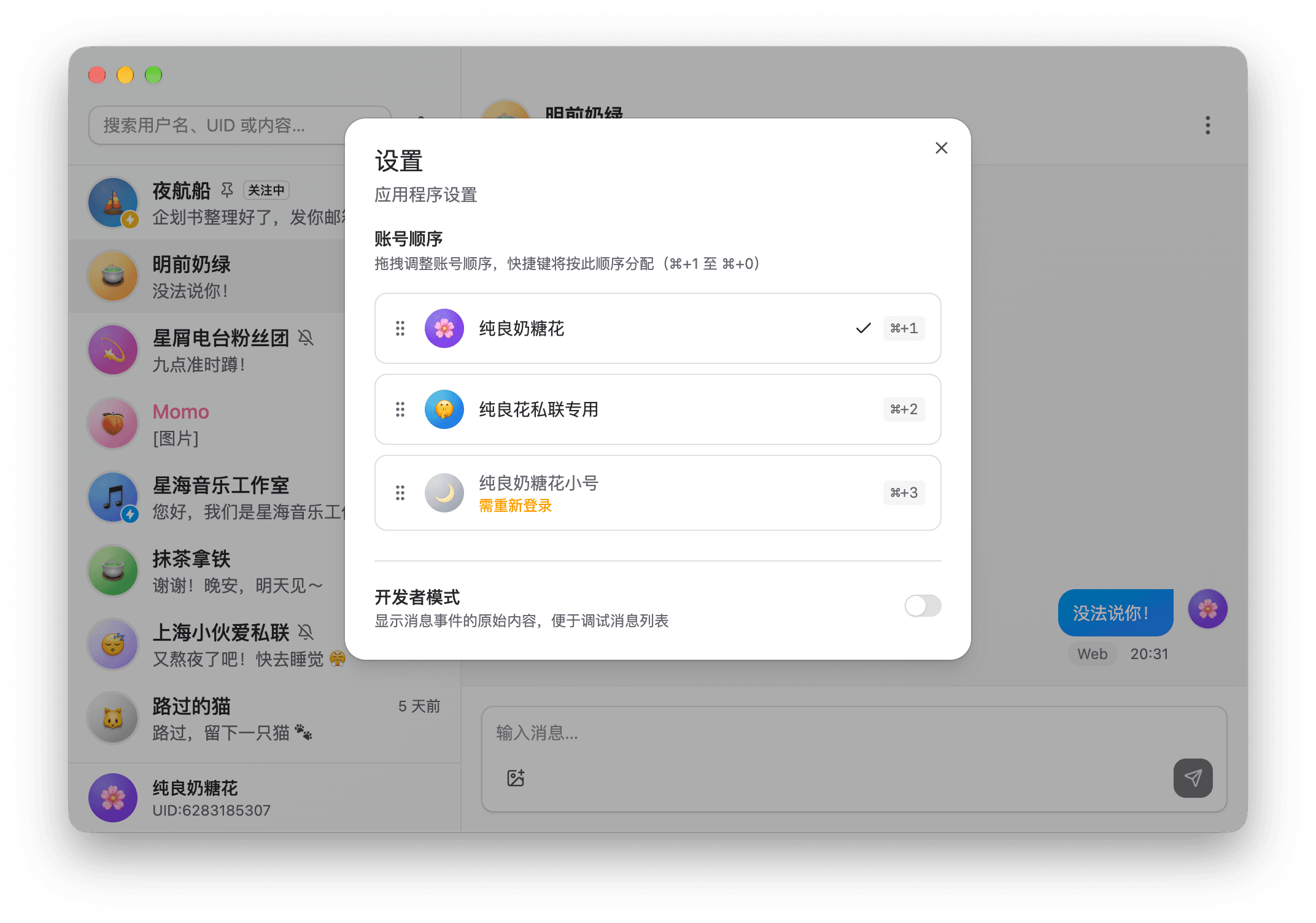
Every account, one shortcut away
Each account gets its own keyboard shortcut, and you can drag them into any order. Comet keeps sessions alive, and if a sign-in expires, it asks you to scan again.
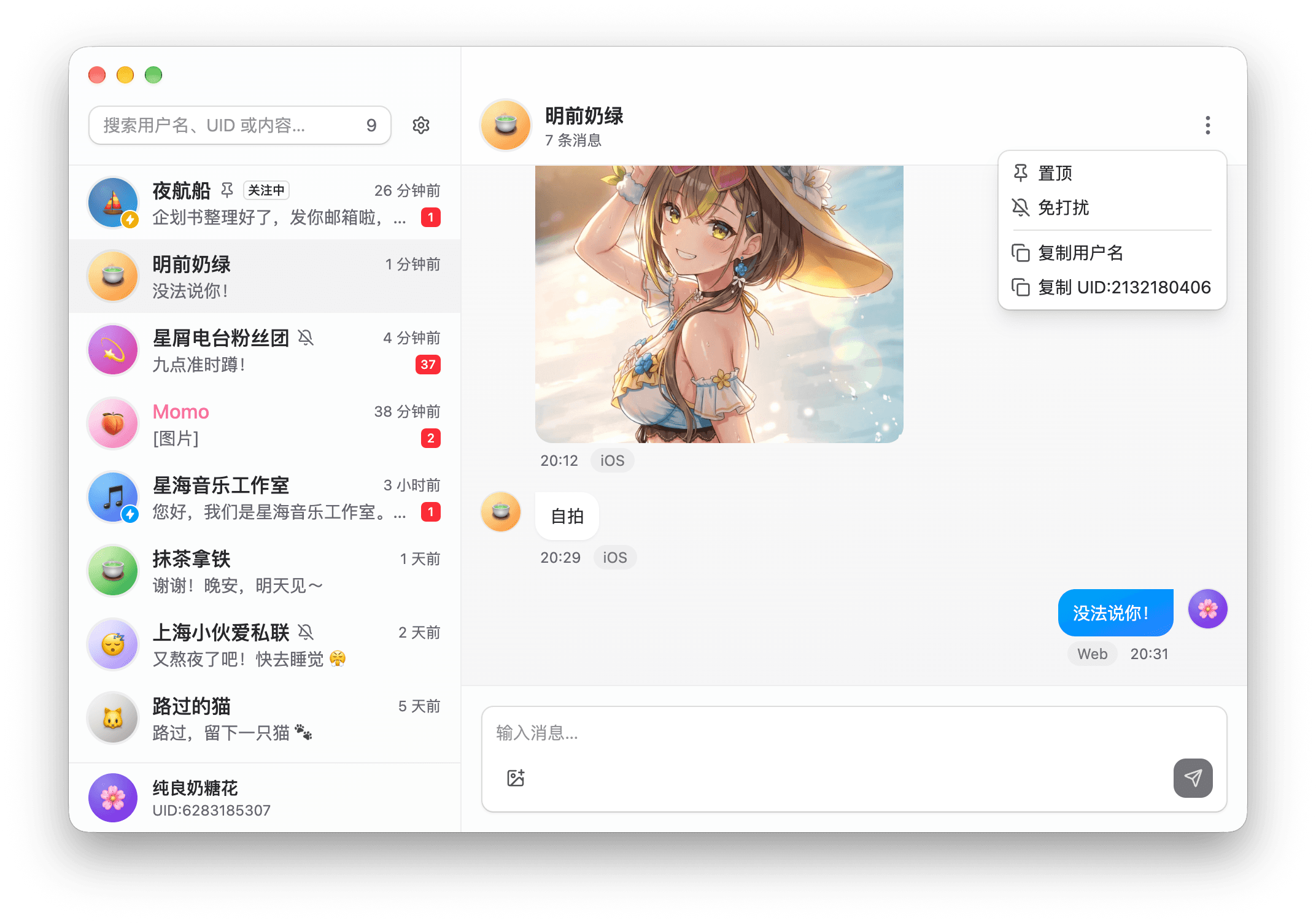
Pin or Do Not Disturb, up to you
Keep the conversations you use most at the top of the list, and turn on Do Not Disturb for unsettling messages so those conversations stop sending notifications.
New DMs, the moment they arrive
Messages are pushed in real time. When the window is in the background, a system notification appears, and clicking it opens the conversation. The Dock and taskbar icons show your unread count.
Your credentials stay on your computer
After you sign in with a QR code, your operating system encrypts your credentials, and they never pass through a third-party server. No analytics, no telemetry, and the code is open source under the AGPL.
Free to download
LAPLACE Comet is free. New versions download in the background and install when you restart.

System Requirements
- macOS
- macOS 13 Ventura or later, Apple Silicon only
- Windows
- Windows 10 or later, x64
All stable releases are signed and notarized. Download only from official channels. If your system warns that the app comes from an unknown source and is unsigned, delete it immediately and report it via Discord.
Features
Resources
Disclaimer
LAPLACE Comet is an unofficial third-party app with no affiliation to bilibili. Use it at your own risk and in compliance with the bilibili User Agreement.
Last updated on November 11, 2026